How to link a child to a Parent profile
Once a Parent has registered for an online booking account they can add multiple children to their profile as linked members, with the Parent designated as the Primary Payer.
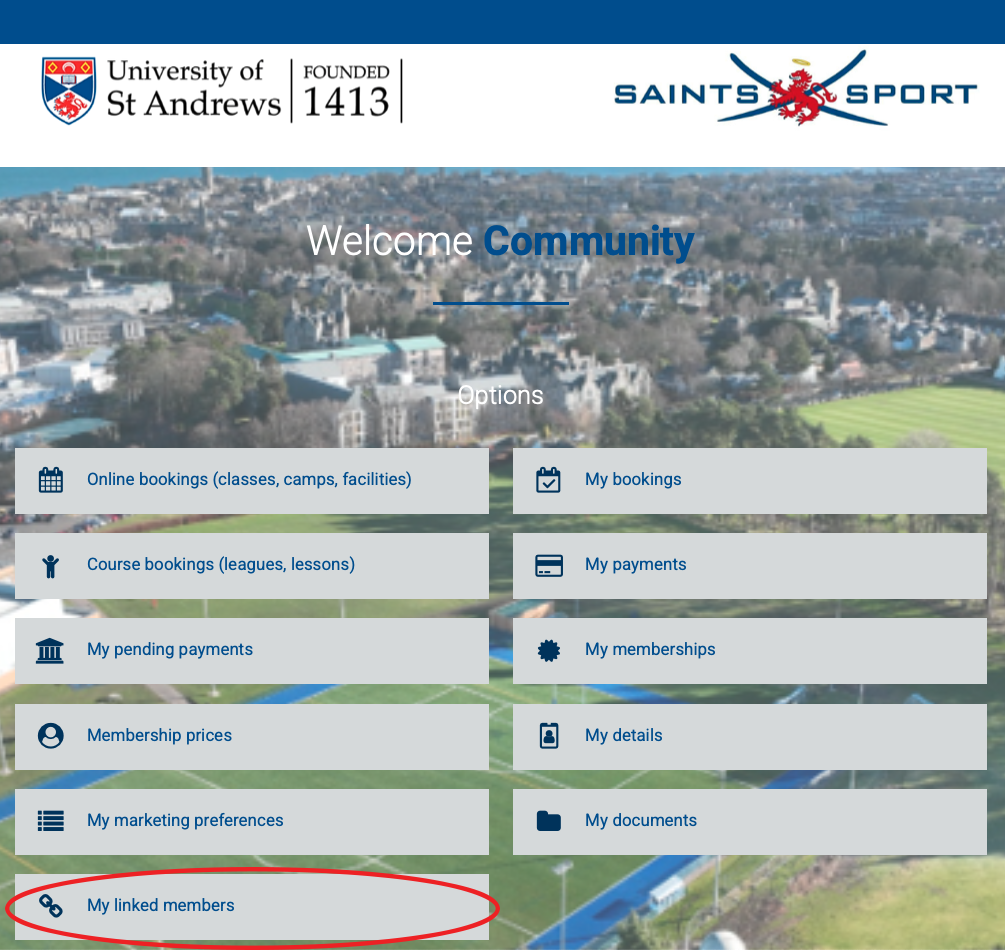
- From the booking system homepage, select the ‘My linked members‘ button:
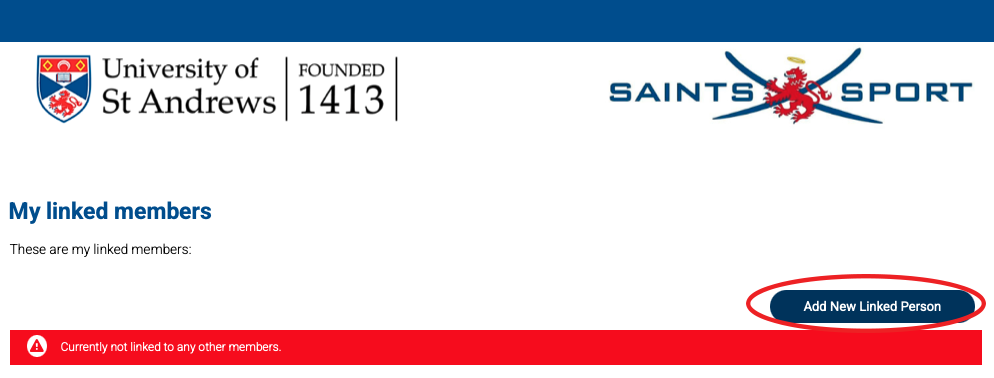
- Click on the ‘Add new linked person‘ button:
- Complete the registration form for your child and click on ‘Save Details‘ at the bottom of the page

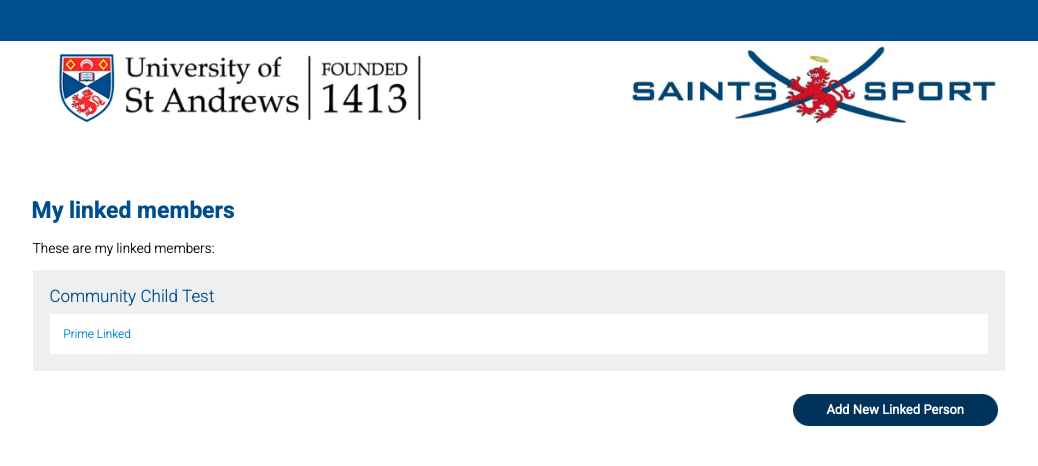
- You will now be returned to the ‘My linked members page‘ and your new linked member will now appear
- Click on the ‘Add new linked person‘ button to add another child
- An email to confirm the new linked member has been setup will be sent from ‘[email protected]’ to the email address entered by the Parent during registering.
